Every byte on your Mac, mapped.
DirWiz scans millions of files in seconds and draws each one as a rectangle, sized by the space it actually takes on disk. Find what’s eating your Mac, then send it to the Trash with a clear conscience.
DirWiz scans millions of files in seconds and draws each one as a rectangle, sized by the space it actually takes on disk. Find what’s eating your Mac, then send it to the Trash with a clear conscience.
One window: a treemap you can steer, a sortable tree table, duplicate and hardlink groups, and space insights - all fed by one very fast scanner.
The Metal cushion treemap gives every file a rectangle sized by its bytes, colored by extension. A 40 GB folder of forgotten screen recordings is hard to miss when it’s a 40 GB rectangle.
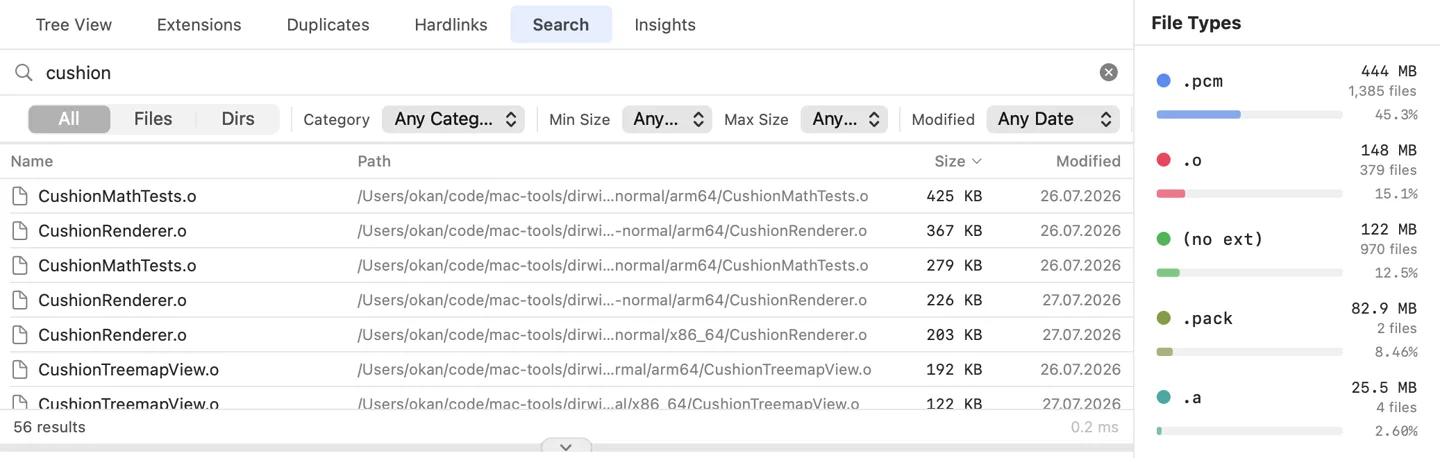
Type and the answer is already there - 20-40 ms across a full boot volume, filters and all. If you have missed Everything since switching from Windows, this is the part you missed. Spotlight guesses at what you meant; this matches what you typed.
DirWiz saves the tree after every scan, then replays the FSEvents journal and re-reads only folders that changed. On any doubt it quietly falls back to a full cold scan.
Candidates are grouped by size and hash, then read end-to-end before any cleanup. Hardlinks are recognized for what they are: the same bytes, not reclaimable space.
Save a baseline today. Diff next month and the treemap tints what’s new, what grew, what shrank, and what’s gone.
scan · duplicates · snapshot · diff · benchmark, with --json for scripts. Snapshots taken in the terminal show up in the app.
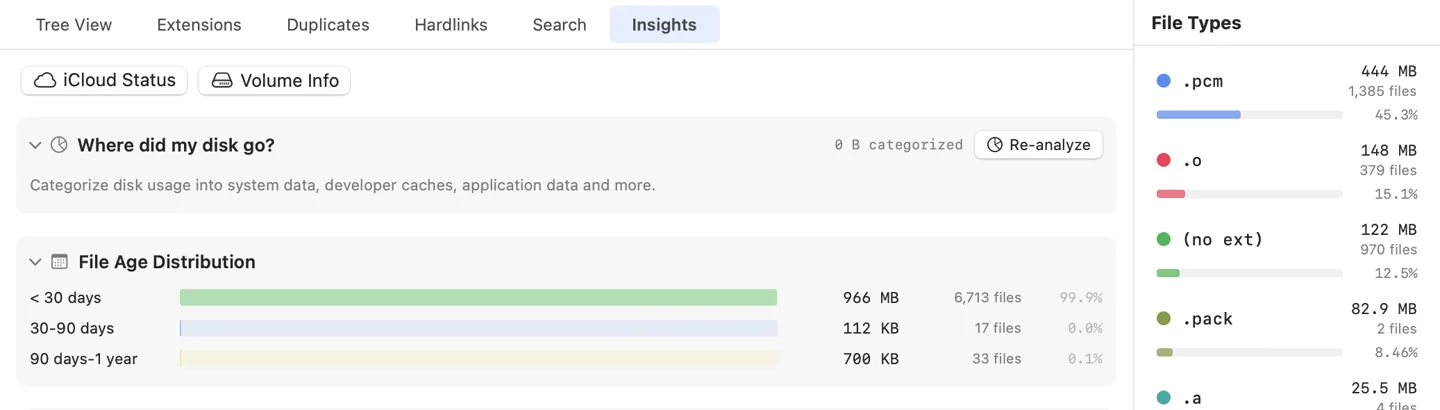
Categories, file ages, size distributions, iCloud placeholders, APFS clones, local snapshots - including the purgeable space Finder won’t explain.
A dirwiz-cli scan of a Mac, drawn in your browser by the app's own renderer. Click a folder to zoom in; Esc backs out. The Cushions/Cards toggle is the same one the app has.
Click a folder to zoom in · Esc or the path bar zooms out · sizes drift every few seconds, the layout glides to follow
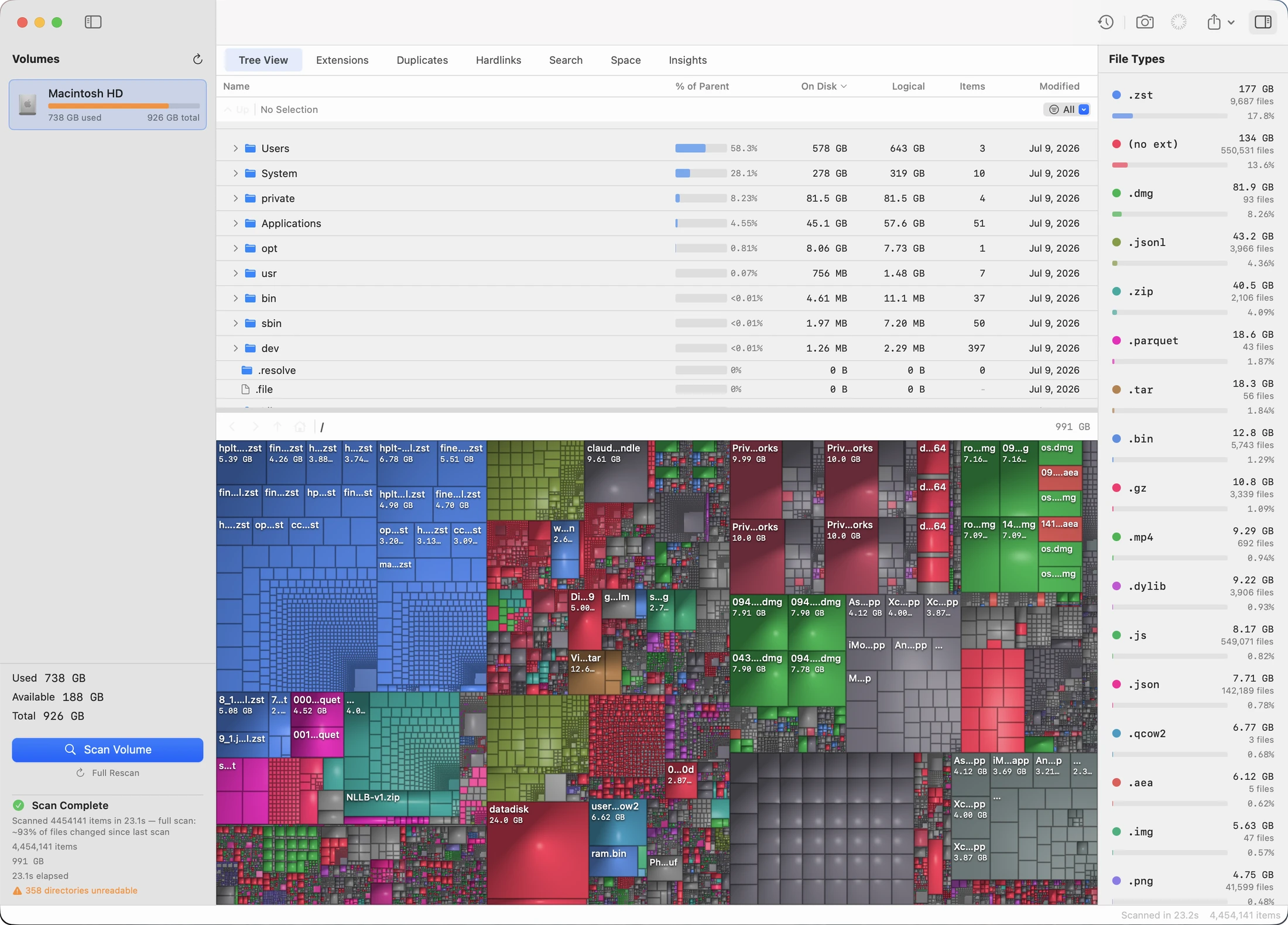
The treemap gets the poster, but most days you live in the other tabs - instant search first among them. All of it runs off the same scan; nothing below re-reads the disk.
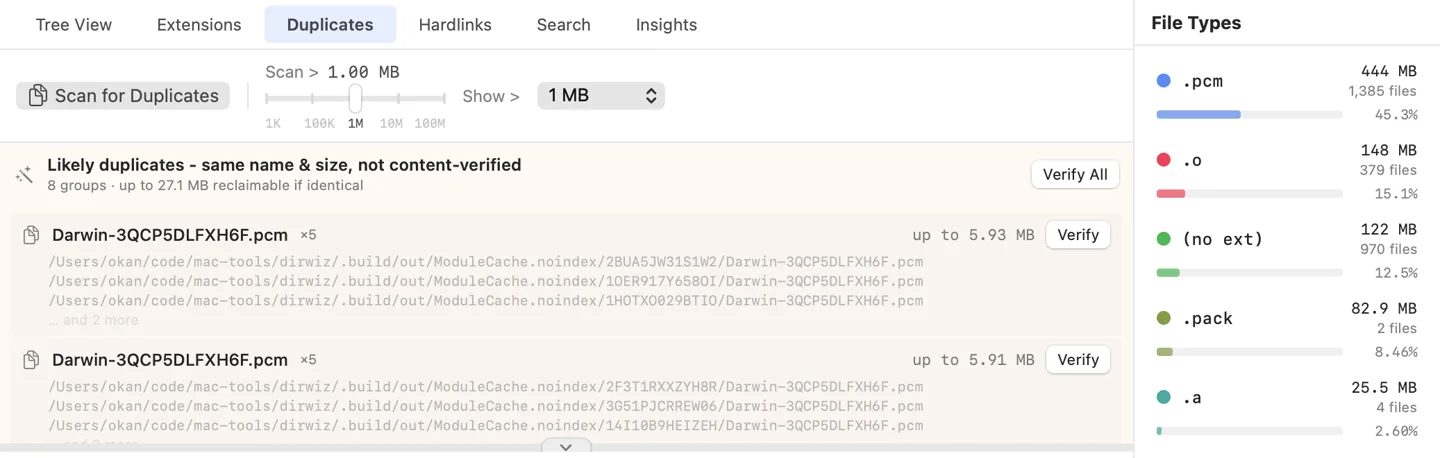
DirWiz groups files by content, not by name. Before anything moves, each file is re-read byte for byte - and cleanup only proceeds while an unselected, identical copy survives. Trashing your last copy isn’t an accident that can happen; the action refuses to run.
Snapshot your disk while it’s tidy. Three weeks later, when the “disk almost full” banner shows up, diff against the baseline. New files show green, growth blue, shrinkage amber, deletions red - painted straight onto the treemap, with a ranked list of the worst offenders.
The app and the CLI are two doors into one engine. Scan with JSON export, check duplicates, save and diff snapshots, or run the built-in benchmark - on the Mac in front of you or the Mac mini in the closet.
Every removal goes through the system Trash and can be put back. There is no “rm” hiding behind a confirmation dialog.
Duplicate cleanup re-reads files end to end at the moment of action and refuses to run unless an identical copy survives.
Cleanup presets that match nothing select nothing. Ambiguity always resolves to “do nothing”, never to “guess”.
Version 1.2.1 · macOS 15 or later · universal (Apple silicon & Intel) · 3.9 MB
Signed and notarized by Apple. Double-click to open - no right-click trick, no Gatekeeper warning to talk your way past.
Full Disk Access. Scanning system folders needs it. DirWiz detects the permission at launch and walks you through System Settings - no guesswork about why a folder came back empty.
Rather build it yourself?
git clone https://github.com/okturan/dirwiz then
./scripts/package-release.sh.